Hidden Objects
Description
- Hidden Objects is a scene-based search game where players find authored objects on a single image.
How it works
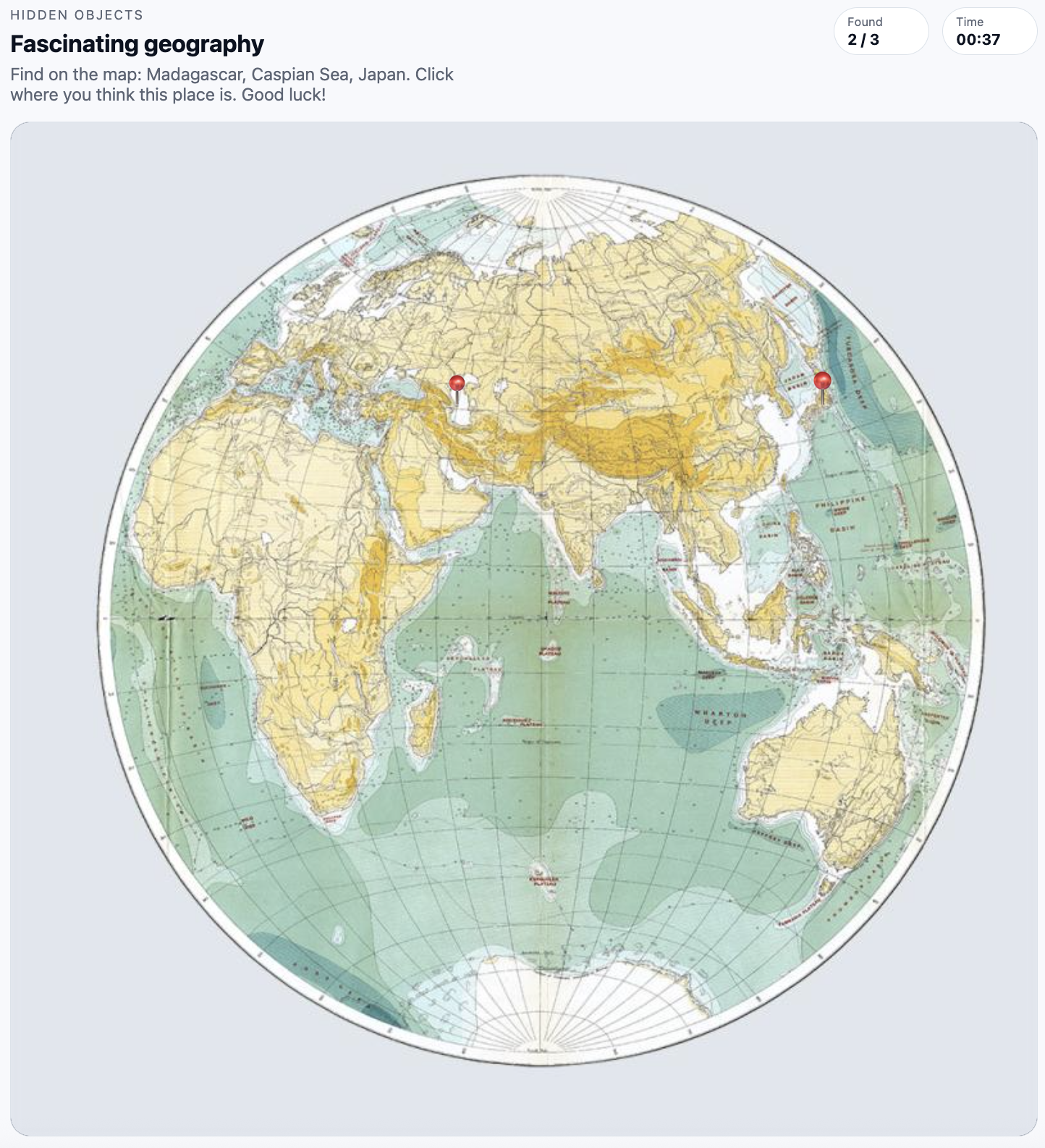
- The scene image is shown with an SVG overlay for authored hit zones. Players click the image to find objects either all at once or one by one in rounds. In rounds, a proximity answer mode can ask the player to place an answer as close as possible to the nearest point on the authored target zone.
- Timer, lives, result screens, progress, score, pause, audio, and analytics lifecycle are handled by Game Shell.
What it can do
- Great for detailed product shots, story-driven scenes, scavenger hunts, or onboarding challenges that reward attention.
Current settings
- Scene image — an image of the scene in which the player searches for hidden objects
- Objects — up to 50 objects with name, task description, score, and one or more zones
- Zone types — circle, rectangle, and polygon
- Play mode — all objects at once or rounds
- Answer mode — zone hit, or proximity guess for rounds
- Found object highlighting — optional green zone highlight and pin
- Zoom and pan — optional player navigation for large or detailed images
- Game Shell settings — timer, lives, start screen, result screens, audio, score, and progress
Game example:
Last updated on